
Imagen AI Review 2026: Pricing, Features & AI Photo Editing Tool
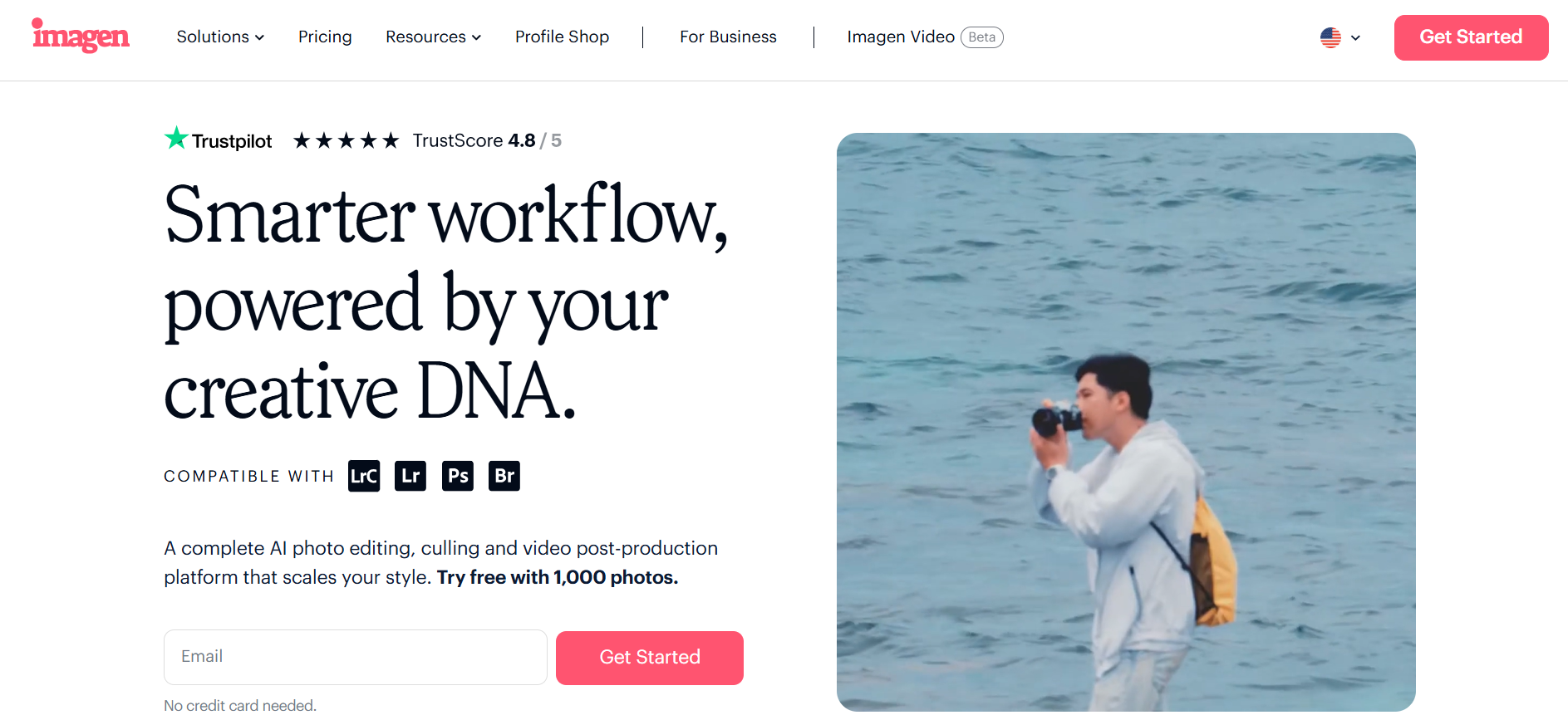
Editing photos is often the most time-consuming part of a photographer’s workflow. After a shoot, going through hundreds or even thousands of images, editing each one individually, and maintaining consistency can take days.
Imagen AI aims to eliminate this bottleneck.
By using artificial intelligence that learns your editing style, Imagen AI can edit large batches of photos in seconds—while still keeping your unique look intact.
But how well does it actually perform? Let’s break it down.
What is Imagen AI?
Imagen AI is a cloud-based photo editing and workflow automation platform built for photographers. It uses AI to learn from your past edits and create a “Personal AI Profile” that can replicate your style across thousands of images.
Instead of starting from scratch for every shoot, you can let Imagen handle the bulk of editing—saving time while maintaining consistency.
It also includes AI-powered culling, helping you select the best images from large collections.
Key Features of Imagen AI
Personal AI Editing Profile
Imagen learns your editing style from previous work and applies it automatically, ensuring consistent results across all photos.
AI-Powered Batch Editing
Edit thousands of images in seconds without manual adjustments—ideal for high-volume photography.
Smart Photo Culling
Automatically select the best shots based on quality and composition, reducing the time spent reviewing images.
Advanced Editing Tools
Includes features like cropping, masking, and skin smoothing, giving you control over final outputs.
Seamless Lightroom Integration
Works smoothly with Adobe Lightroom, making it easy to integrate into your existing workflow.
Cloud Processing & Backup
All processing happens in the cloud, ensuring fast performance and secure storage.
Pricing
Starts from $67.5/month
Subscription-based model
Imagen AI offers scalable pricing depending on usage, making it suitable for both individual photographers and larger teams.
Who Should Use Imagen AI?
Imagen AI is ideal for:
Professional photographers handling bulk edits
Wedding photographers working with large photo sets
Event photographers needing fast turnaround times
Photography studios managing multiple projects
Content creators looking for consistent editing
Primary Use Cases
Imagen AI is best used for:
Automating photo editing in your personal style
Selecting the best images from large shoots
Speeding up post-production workflows
Maintaining consistent edits across batches
Reducing manual editing time
Technical Overview
AI Technology: Proprietary AI
Deployment: Cloud-based
Supported Language: English
Company Information
Location: Israel
Pros and Cons
Pros
Learns and replicates your editing style
Extremely fast processing for bulk images
Reduces manual editing workload significantly
Integrates well with Lightroom
Offers free trial for testing
Cons
Higher starting price compared to some tools
Requires initial setup to train AI profile
Limited language support
Alternatives to Imagen AI
If you’re comparing tools, you can also explore:
Neuropixel.ai
FilterPixel
Pictory AI
Claid.ai
Rask AI
Exemplary AI
Each tool offers different features depending on your workflow and editing needs.
FAQs
What is Imagen AI used for?
Imagen AI is used to automate photo editing and culling while maintaining a photographer’s personal style.
How does Imagen AI work?
It trains a Personal AI Profile using your past edits and applies that style to new images automatically.
Is Imagen AI beginner-friendly?
It is best suited for professionals, but beginners can use it after initial setup.
Does Imagen AI support Lightroom?
Yes, it integrates seamlessly with Adobe Lightroom.
How much does Imagen AI cost?
Pricing starts at $67.5 per month.
Is there a free trial?
Yes, Imagen AI offers a free trial.
Final Verdict: Is Imagen AI Worth It?
Imagen AI is a powerful tool for photographers who want to save time without compromising on quality. Its ability to learn and replicate your editing style makes it stand out from traditional editing software.
For professionals handling large volumes of images, it can significantly speed up workflows and improve consistency.
However, if you only edit a small number of photos occasionally, it might be more than you need.
Stay Ahead with the Best AI Tools
Explore more tools like Imagen AI on RevAvenues—your go-to platform for discovering, comparing, and choosing the right AI solutions for your workflow.