
Renderforest AI Video Generator Review 2026: Best Brand Video Maker for Small Businesses?
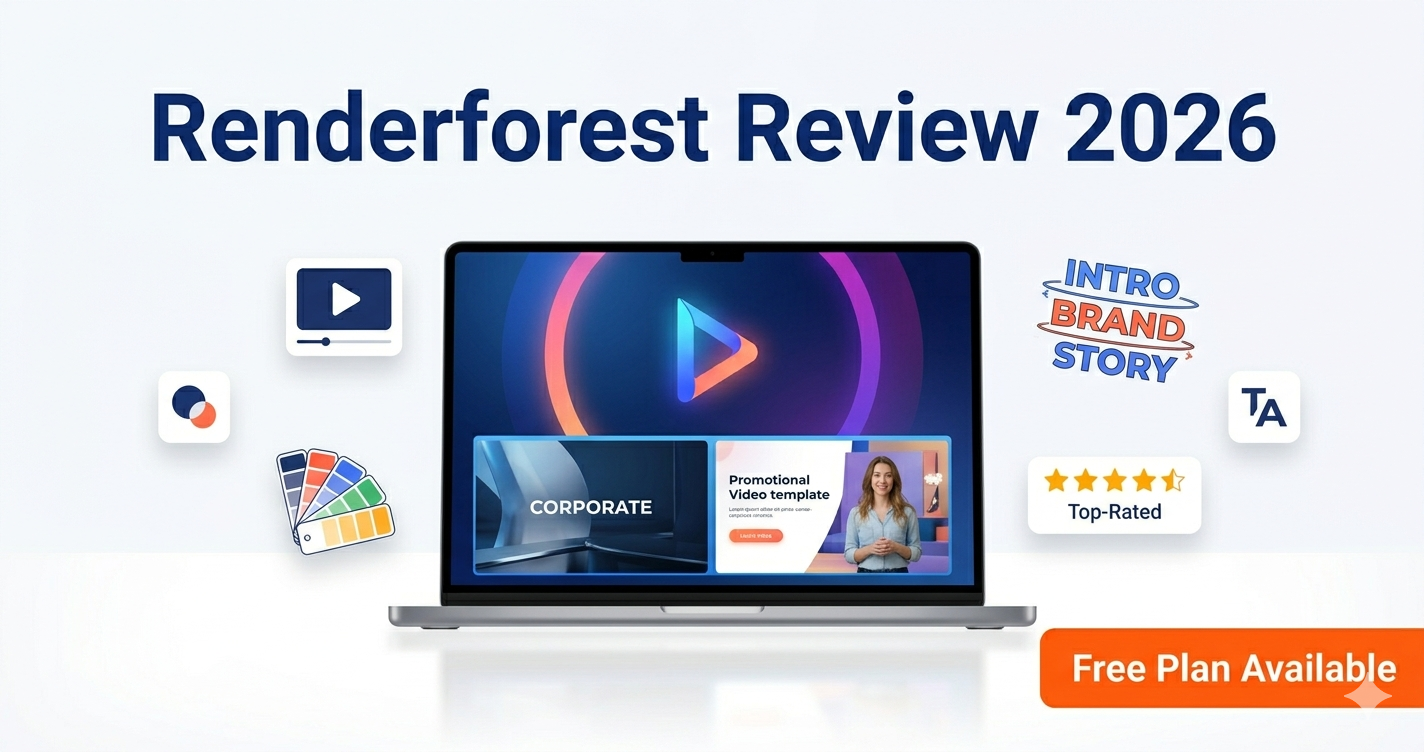
Small businesses and marketing teams face a persistent creative challenge: producing professional brand videos — explainer videos, logo animations, product promos, and social media ads — without the budget for a video production agency or the time to learn complex editing software. Renderforest was built to close that gap with an AI-powered, template-driven video creation platform that requires no design or editing experience.
In this Renderforest AI video generator review for 2026, we cover the free plan, template library, brand kit features, pricing, and how Renderforest compares to Biteable and Pictory for business use.
What Is Renderforest?
Renderforest is a cloud-based brand and video creation platform powered by AI-assisted customisation. It offers a vast library of professional video templates across categories including logo animations, explainer videos, promo videos, slideshows, music visualisers, and broadcast-quality intros. You select a template, customise it with your brand colours, logo, text, and media, and Renderforest renders the finished video in the cloud.
Beyond video, Renderforest also covers website creation, mockup generation, and graphic design — making it one of the most comprehensive all-in-one brand creation tools for small businesses and agencies in 2026.
Renderforest Free Plan — What Do You Get?
• Access to the full template library for preview and editing
• Export videos with Renderforest watermark (360p quality on free plan)
• Unlimited video projects (saved and editable in your account)
• Logo animation creation with watermark
• Mockup generation
The free plan allows you to build and preview any video before paying — meaning you can invest your editing time without financial commitment. Exporting watermark-free, high-resolution video requires a paid subscription. This approach is smart for small businesses: evaluate the quality of the template and your customised output before spending anything.
👉 Try Renderforest free today — preview your brand video before you pay →
Renderforest Pricing 2026
• Free Plan — $0: Watermarked exports at 360p; unlimited project editing
• Lite — $9.99/month: 3 HD exports per month; no watermark
• Amateur — $19.99/month: More monthly exports; HD and Full HD quality
• Pro — $29.99/month: Unlimited HD exports; advanced features; priority rendering
For small businesses that need occasional brand videos — a quarterly product promo, seasonal social ads, and a one-time logo animation — the Lite plan at $9.99/month delivers strong value. For marketing agencies and teams producing videos weekly, the Pro plan's unlimited exports justify the higher price point.
Key Features of Renderforest in 2026
1. Massive Template Library
Renderforest's template library spans thousands of professionally designed video templates across every business category. Templates are organised by use case: logo reveals, mobile app promos, restaurant menus, real estate listings, corporate presentations, fitness promotions, and many more. Each template includes placeholder elements you replace with your own content.
2. AI-Powered Customisation
Renderforest's AI assists with template customisation by automatically adapting colour schemes to match your uploaded brand colours and suggesting layout adjustments based on your content. This means even non-designers can produce brand-consistent videos without manual colour matching.
3. Logo Animation Maker
One of Renderforest's standout tools is its logo animation feature. Upload your logo, choose from hundreds of animation styles, and receive a professional logo reveal video — the kind typically used at the beginning of corporate videos, YouTube intros, and presentations. This alone makes Renderforest valuable for any small business establishing its brand identity.
4. Brand Kit
Paid plans include a brand kit where you store your logo, brand colours, and fonts once, and Renderforest applies them automatically across all your video projects. This consistency tool is particularly valuable for marketing teams producing multiple video types that need to look cohesive.
5. Music and Voiceover Integration
Renderforest includes a royalty-free music library and text-to-speech voiceover generation, meaning you can create a complete branded video — with professional animation, background music, and narration — entirely within the platform.
Renderforest vs. Biteable — Which Is Better for Small Businesses?
• Renderforest: Better for logo animations, brand kit consistency, and a wider variety of video styles. More customisation options. All-in-one platform (video, website, mockups).
• Biteable: Better for quick social media ads and team collaboration features. Simpler interface with a focus on short social video content.
For small businesses that need both logo animation and regular video content, Renderforest's broader template variety and brand kit features make it the more versatile choice. For social-media-first teams producing short ads at volume, Biteable's streamlined workflow may be faster.
Renderforest vs. Pictory AI
Renderforest and Pictory serve different primary use cases. Renderforest is best for creating branded video content from templates. Pictory AI is best for repurposing existing long-form content (blog posts, webinar recordings) into social media clips. Many businesses use both: Renderforest for original branded videos and Pictory for content repurposing.
Who Should Use Renderforest?
• Small businesses that need logo animations, brand videos, and promotional content without a design team
• Marketing agencies producing branded video content for multiple clients
• Social media managers who need regular video content across multiple formats
• Startups building their brand identity with professional video assets on a limited budget
• YouTube creators who need professional intros, outros, and channel art
❓ Frequently Asked Questions
Q: Is Renderforest really free?
A: Yes. Renderforest's free plan lets you create and preview any video project without cost. Watermark-free, high-resolution exports require a paid plan starting at $9.99/month. This approach lets you fully evaluate your video before paying.
Q: Can I create a logo animation with Renderforest for free?
A: Yes. Renderforest's logo animation tool is accessible on the free plan, though exported videos include a Renderforest watermark at 360p resolution. Paid plans remove the watermark and increase export quality.
Q: How does Renderforest compare to Biteable?
A: Renderforest offers a wider template variety, brand kit features, and all-in-one platform coverage (video, website, mockups). Biteable is simpler and faster for short social video content. For small businesses needing logo animation and diverse video formats, Renderforest is the stronger choice.
Q: Does Renderforest include voiceover and music?
A: Yes. Renderforest includes a royalty-free music library and text-to-speech voiceover generation, letting you create complete branded videos with narration and music entirely within the platform.
Q: What is Renderforest best used for?
A: Renderforest is best for creating logo animations, explainer videos, brand promotional videos, and social media content using AI-assisted templates. It is particularly strong for small businesses and agencies that need professional video quality without a production team.
Conclusion: Is Renderforest the Best AI Video Generator for Small Business in 2026?
Renderforest earns its place as the most versatile AI video generator for small businesses and agencies in 2026. Its template library is the most comprehensive in its class, the brand kit ensures visual consistency across all your content, and the free plan lets you build and evaluate your video before spending anything. For teams that need logo animations, explainer videos, promo content, and social ads — all from a single platform — Renderforest is the clear choice.
👉 Start your Renderforest free trial — preview your brand video before you pay →
📚 Related Posts & Tool Pages
• Kaiber Superstudio — AI Video for Musicians & Creative Storytelling →
• Boomy — Create AI Music for Your Renderforest Videos →
• Soundful — Royalty-Free Background Music for Brand Videos →